Comfortable by default.
Tune type size, line spacing, page width, and theme. EpubTron remembers where you stopped.
A focused EPUB reader for macOS.
Read books, technical guides, and comics in a private library that stays on your Mac.
Requires macOS 14 or newer
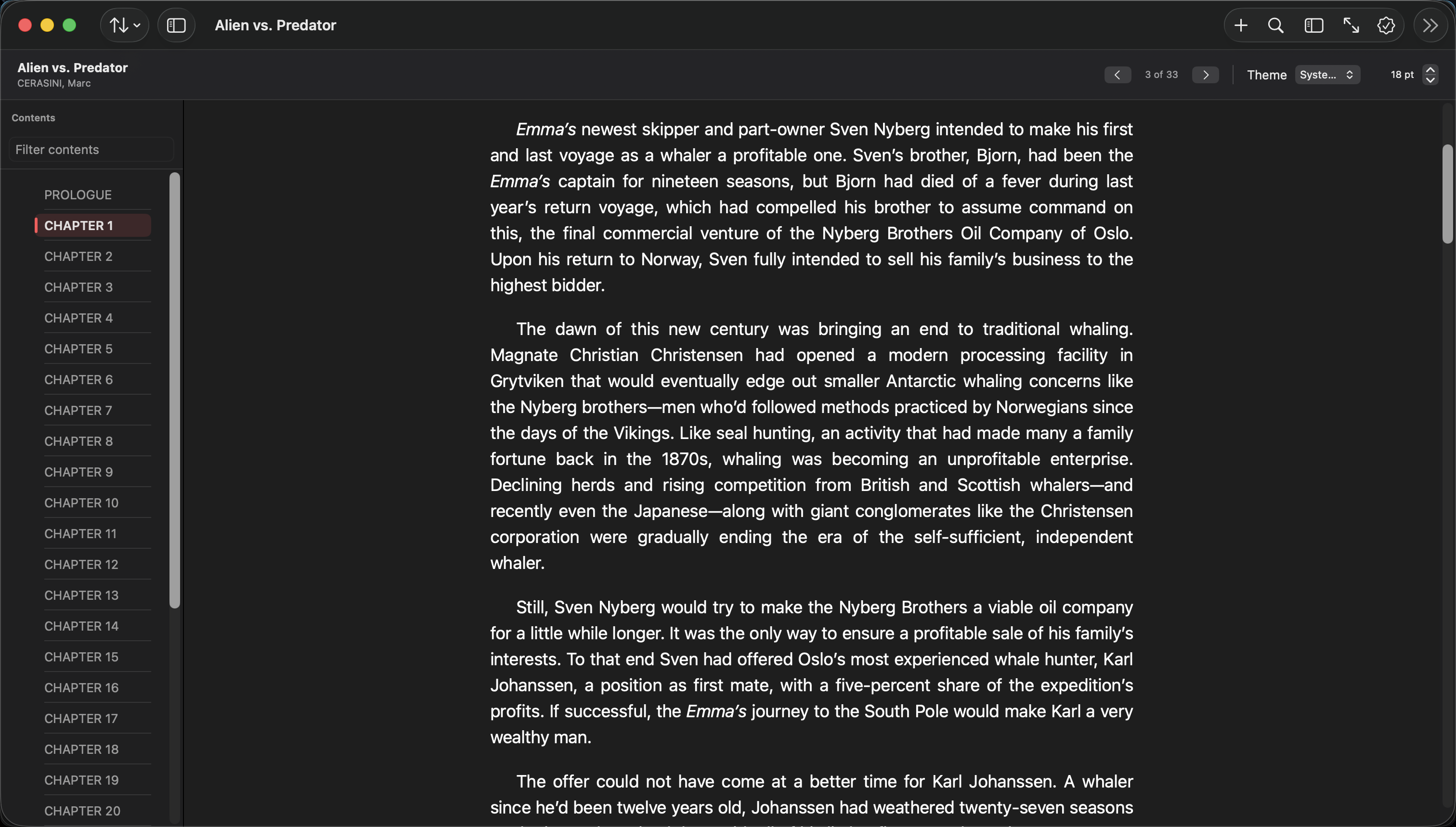
Tune type size, line spacing, page width, and theme. EpubTron remembers where you stopped.
Find matches in titles, authors, filenames, and the indexed text of every imported book.
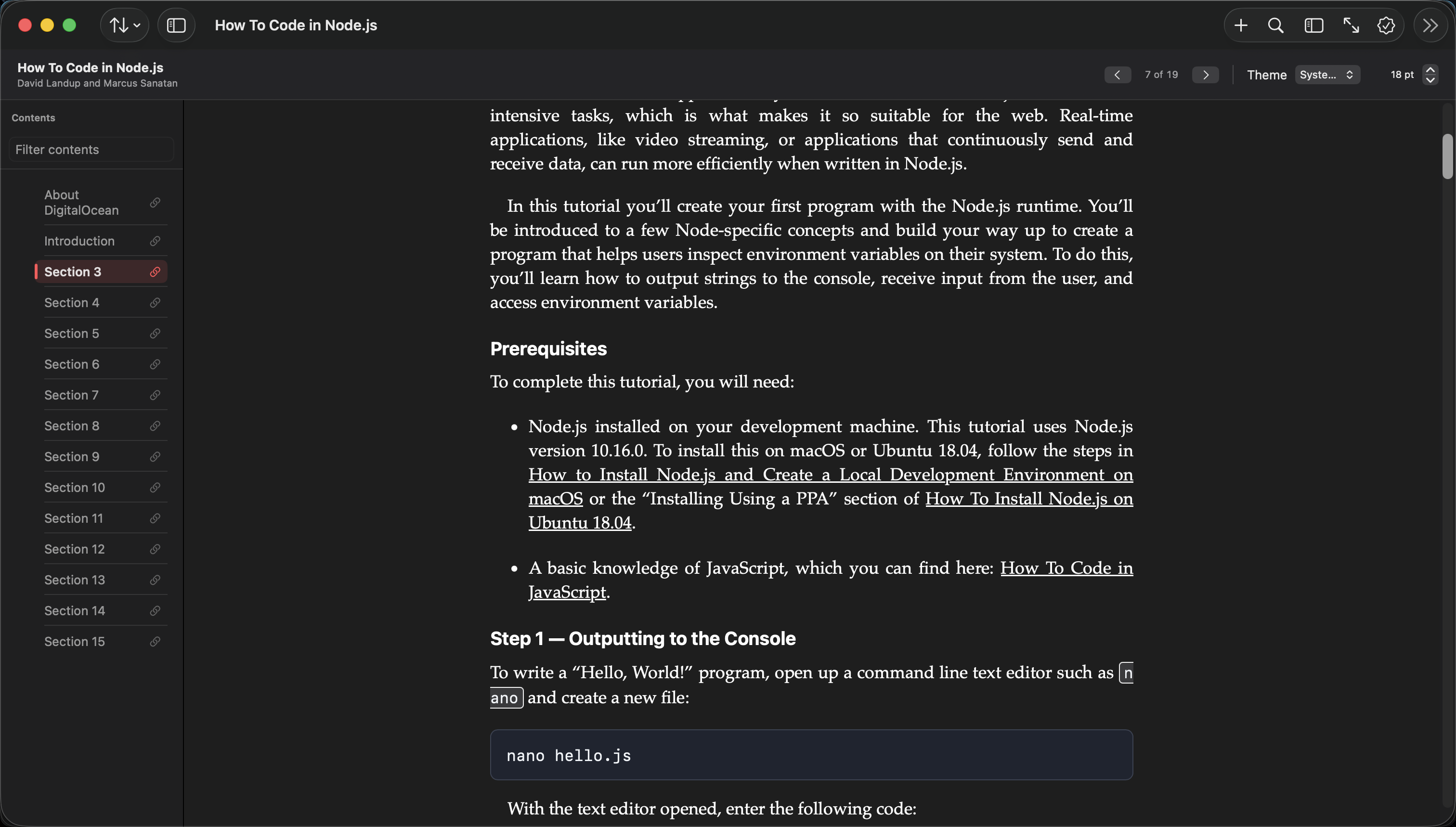
Code blocks, links, and structured content are restyled for clarity without flattening the book.
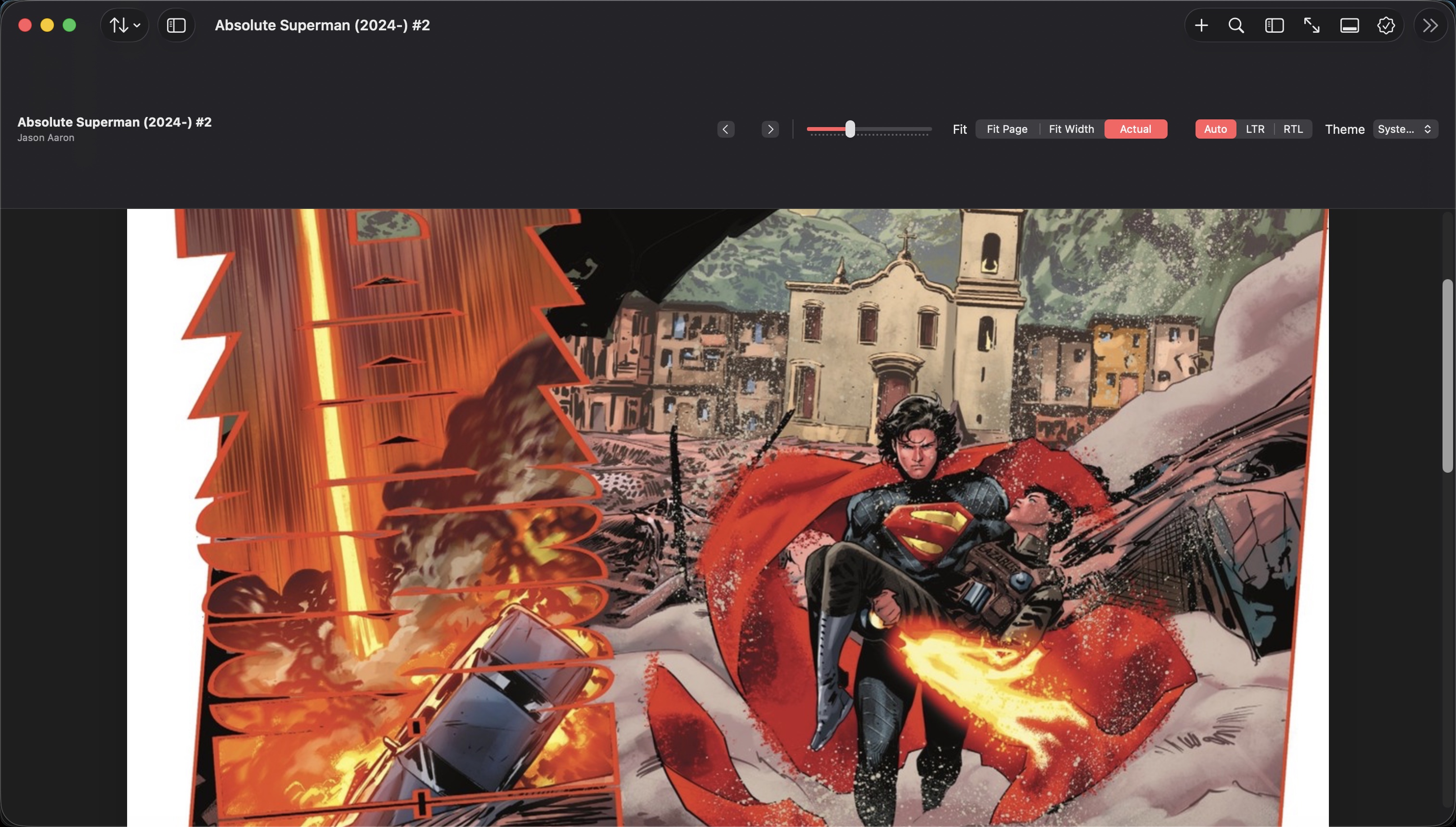
Fit page, fit width, actual size, thumbnails, and automatic left-to-right or right-to-left reading.
EpubTron keeps imported books, reading progress, preferences, and search indexes on your Mac. No account. No cloud library. No tracking.